


MedshotsAI

    Headshot Dimensions Made Simple

    Use one high-quality image and export the right size for each platform.

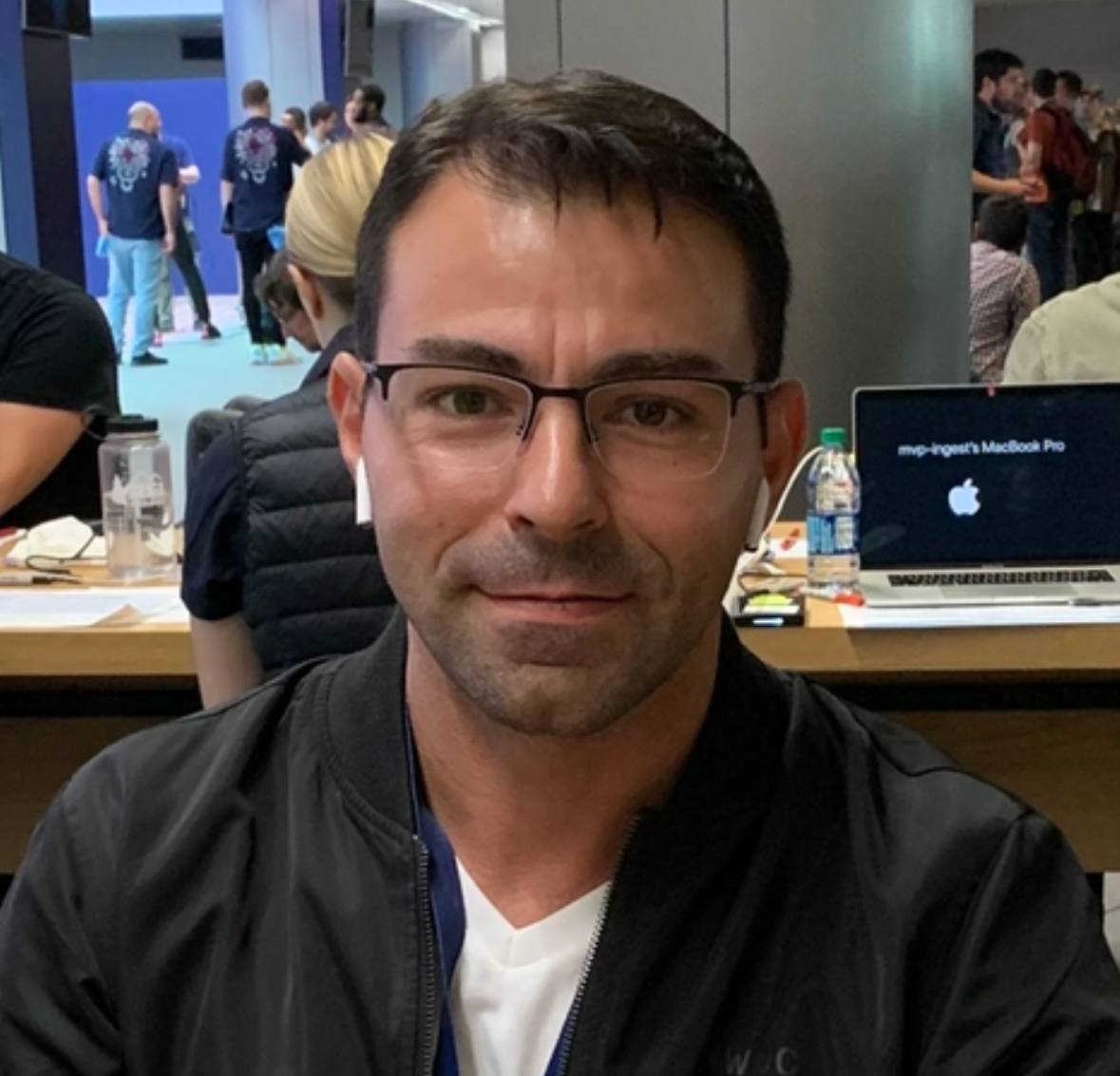
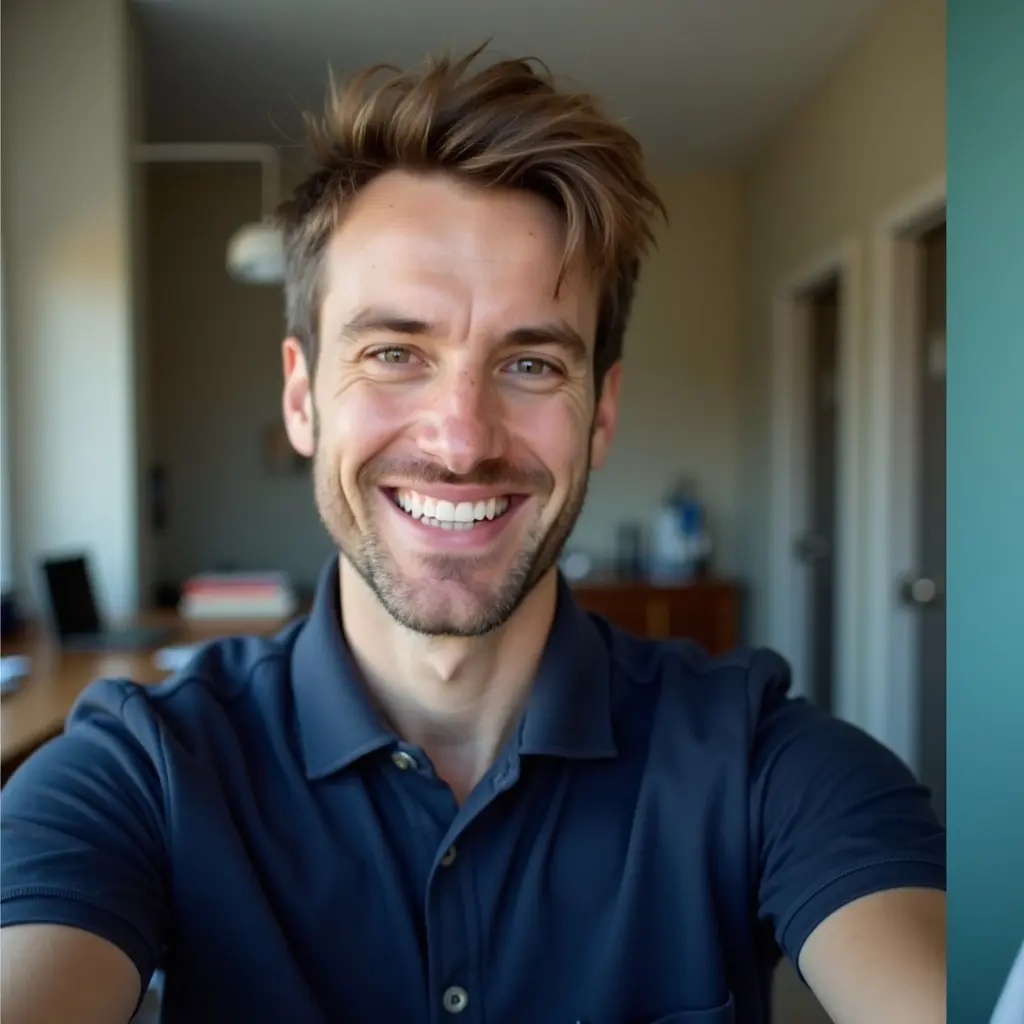
    Quick Before/After

    Resize for Multiple Platforms

    One headshot used for LinkedIn, resume, and website

    Result: Correct dimensions kept the face centered and sharp everywhere.

    Before correct dimensionsBefore
    After correct dimensionsAfter

    A good photo can still look bad if the dimensions are wrong.

    Different platforms crop differently, so size and framing matter.

    Start with one high-resolution headshot, then export the right version for each use.

    More Before/After Examples

    Real transformations for real professional use-cases.

    LinkedIn Crop

    Square profile photo

    LinkedIn crop beforeBefore
    LinkedIn crop afterAfter

    Result: Face stayed centered and clear after crop.

    Website Card

    Team profile card on company site

    Website size beforeBefore
    Website size afterAfter

    Result: The resized version kept the same visual quality.

    Common headshot dimensions

    Most platforms accept a square or 4:5 style image.

    If you keep the face centered, one source image can cover most use cases.

    • LinkedIn: square profile image
    • Website cards: often square or vertical
    • Resume: small square or rounded crop

    Keep extra space around the head

    Tight crops can break on different platforms.

    Leave a little space above the head and around shoulders.

    Export more than one version

    Keep one large master image and export smaller versions for each channel.

    This keeps quality high and avoids blurry uploads.

    Frequently Asked Questions

    Clear answers before you get started.

    Use the Right Headshot Size

    Create one clean headshot and resize it properly for every platform you use.

    We use cookies to analyze site traffic and improve your experience. Privacy Policy