





MedshotsAI

    Professional LinkedIn Headshots That Look Like You

    Upload a selfie, choose your style, and generate LinkedIn-ready photos in a few simple steps.

    Quick Before/After

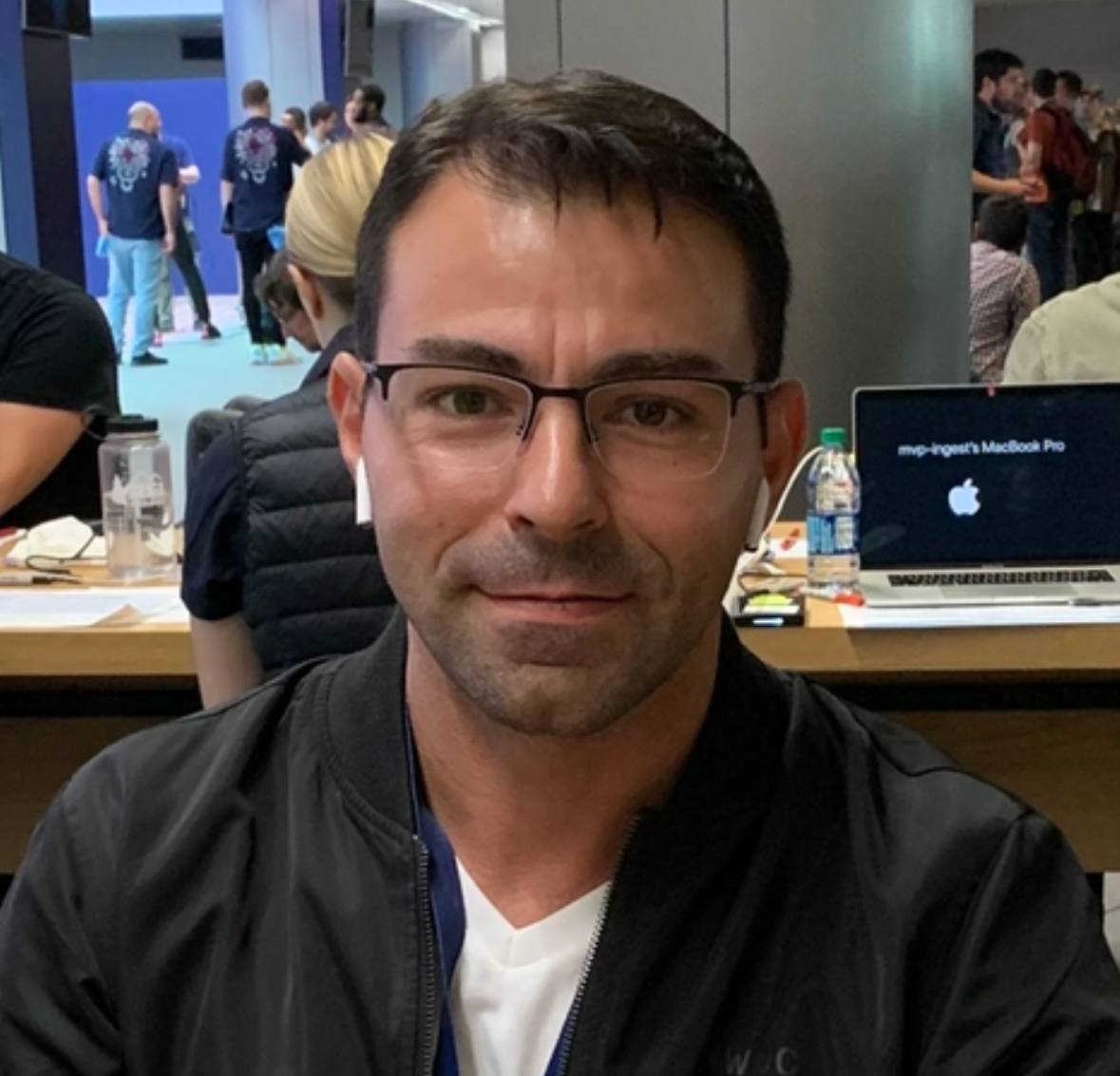
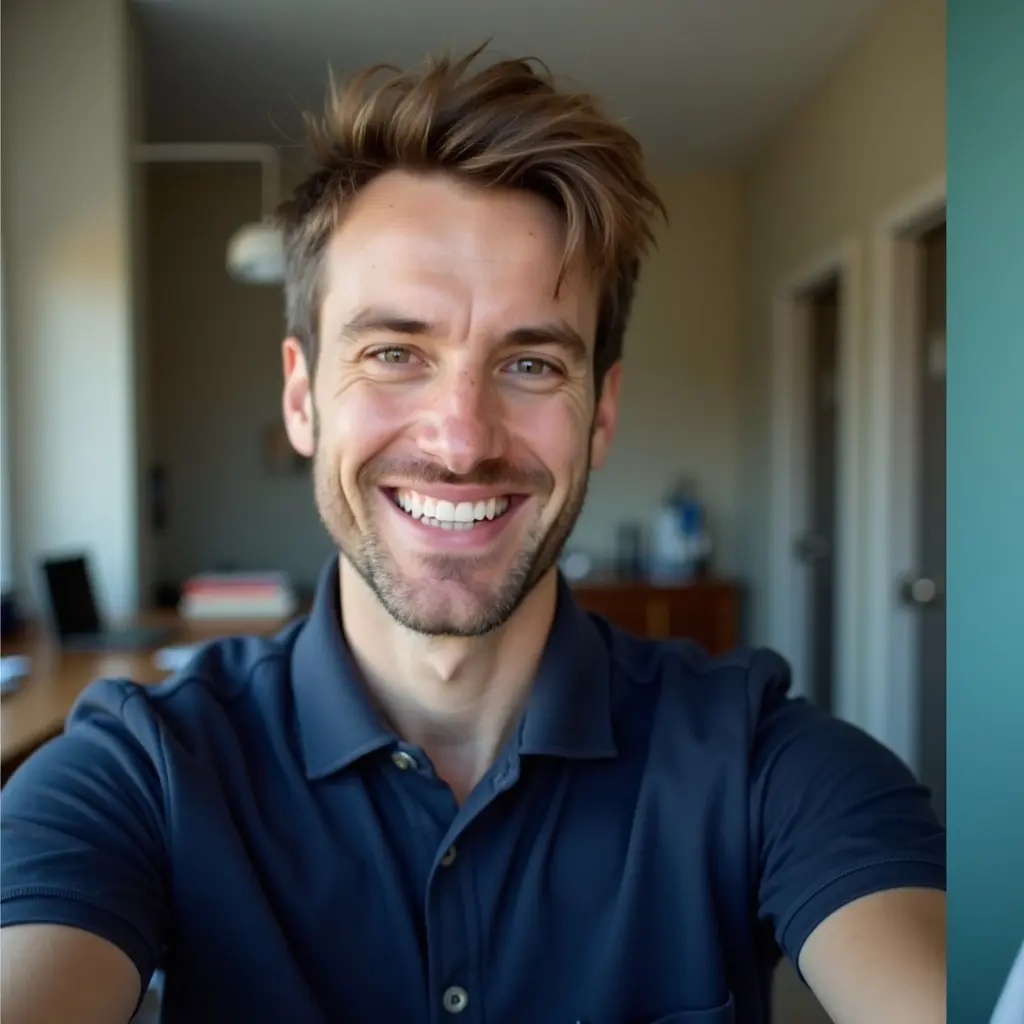
    Physician Profile Refresh

    Doctor updating LinkedIn before applications and networking

    Result: A clearer photo made the profile look more professional and up to date.

    LinkedIn profile photo before updateBefore
    LinkedIn profile photo after AI updateAfter

    See real screens from the app

    From upload to final photo selection for LinkedIn.

    LinkedIn headshot process

    Upload, choose options, and export your final image.

    LinkedIn-focused headshot setup in MedshotsAI dashboard
    Set attire and background for a professional LinkedIn look.
    Headshot generation options and controls for LinkedIn
    Generate multiple LinkedIn-ready options in one run.
    Generated LinkedIn headshots in MedshotsAI history screen
    Choose your best photo and use it across LinkedIn and your bio pages.

    Your LinkedIn photo is usually the first thing people notice.

    For doctors, nurses, and healthcare leaders, a clear photo helps your profile feel current and trustworthy.

    The goal is simple: look like yourself on a strong professional day.

    More Before/After Examples

    Real transformations for real professional use-cases.

    Healthcare Attire Fit

    White coat + stethoscope styling for LinkedIn

    Healthcare attire reference image with white coat and stethoscopeBefore
    Healthcare LinkedIn headshot with professional medical stylingAfter

    Result: Medical attire cues made the profile look more role-appropriate.

    Leadership Consistency

    Team profile alignment before a clinic website update

    Executive LinkedIn photo before standardizationBefore
    Executive LinkedIn photo after standardizationAfter

    Result: Consistent profile photos made the leadership page look more reliable.

    Why this matters on LinkedIn

    If your photo is old or unclear, your profile can feel outdated.

    A clean, current image helps people trust your profile faster.

    • Better first impression in search results
    • Stronger connection request acceptance
    • More confidence when people view your profile

    What a strong photo looks like

    Keep it simple: clear face, natural expression, and clean framing.

    Avoid heavy edits. You should look polished, but still like yourself.

    Simple process you can reuse

    Generate a few options, pick your favorite, and upload it to LinkedIn.

    Then reuse the same look on your website bio and email signature.

    • Generate 8–12 options
    • Pick 1 primary + 2 backup versions
    • Refresh every 12-24 months or after role changes

    Built for healthcare professionals

    If you work in healthcare, your LinkedIn photo should reflect professionalism and approachability.

    This page focuses on that exact use case with practical examples.

    Frequently Asked Questions

    Clear answers before you get started.

    Upgrade Your LinkedIn Presence

    Publish a clean LinkedIn photo that looks like you and fits your healthcare role.

    We use cookies to analyze site traffic and improve your experience. Privacy Policy