


MedshotsAI

    Headshot Photo That Looks Like You

    Upload one selfie, choose the look, and download a professional headshot photo.

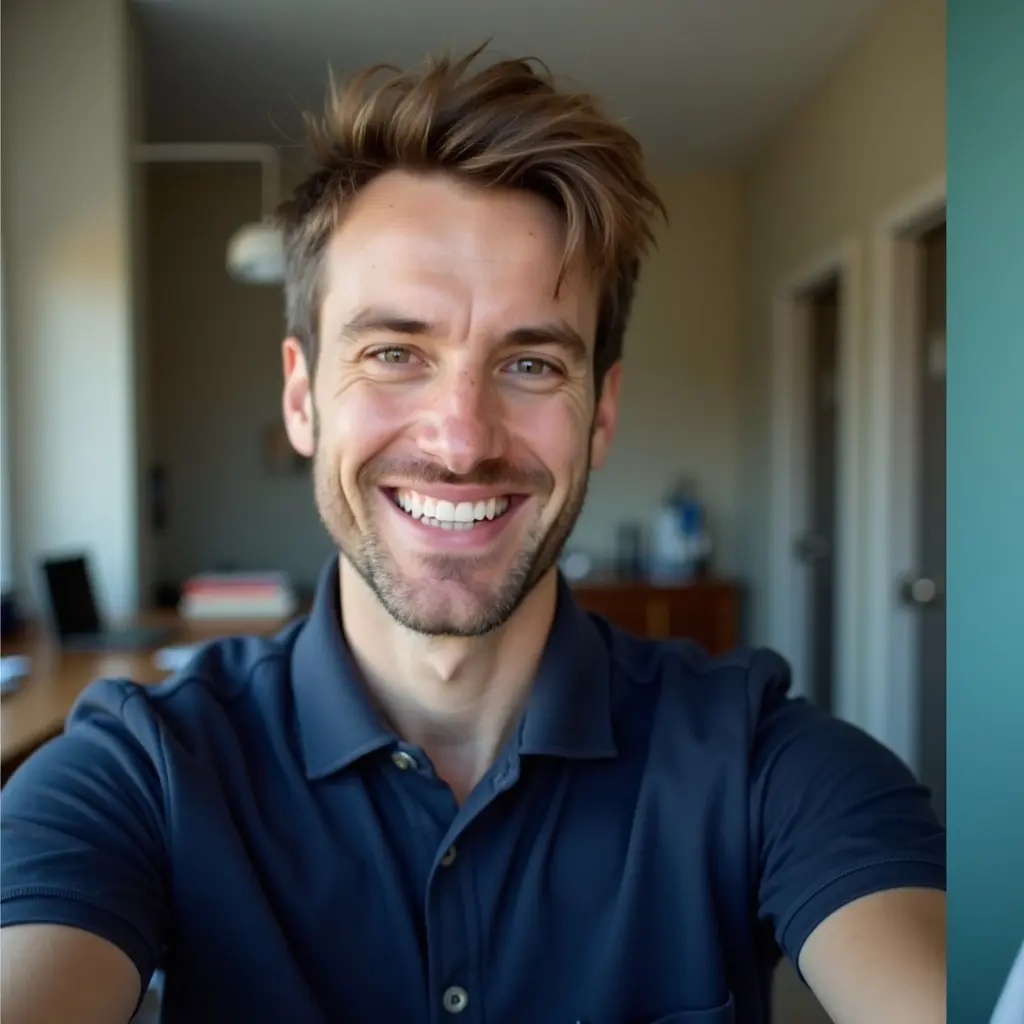
    Quick Before/After

    Clinic Profile Update

    Physician updating website and LinkedIn photos

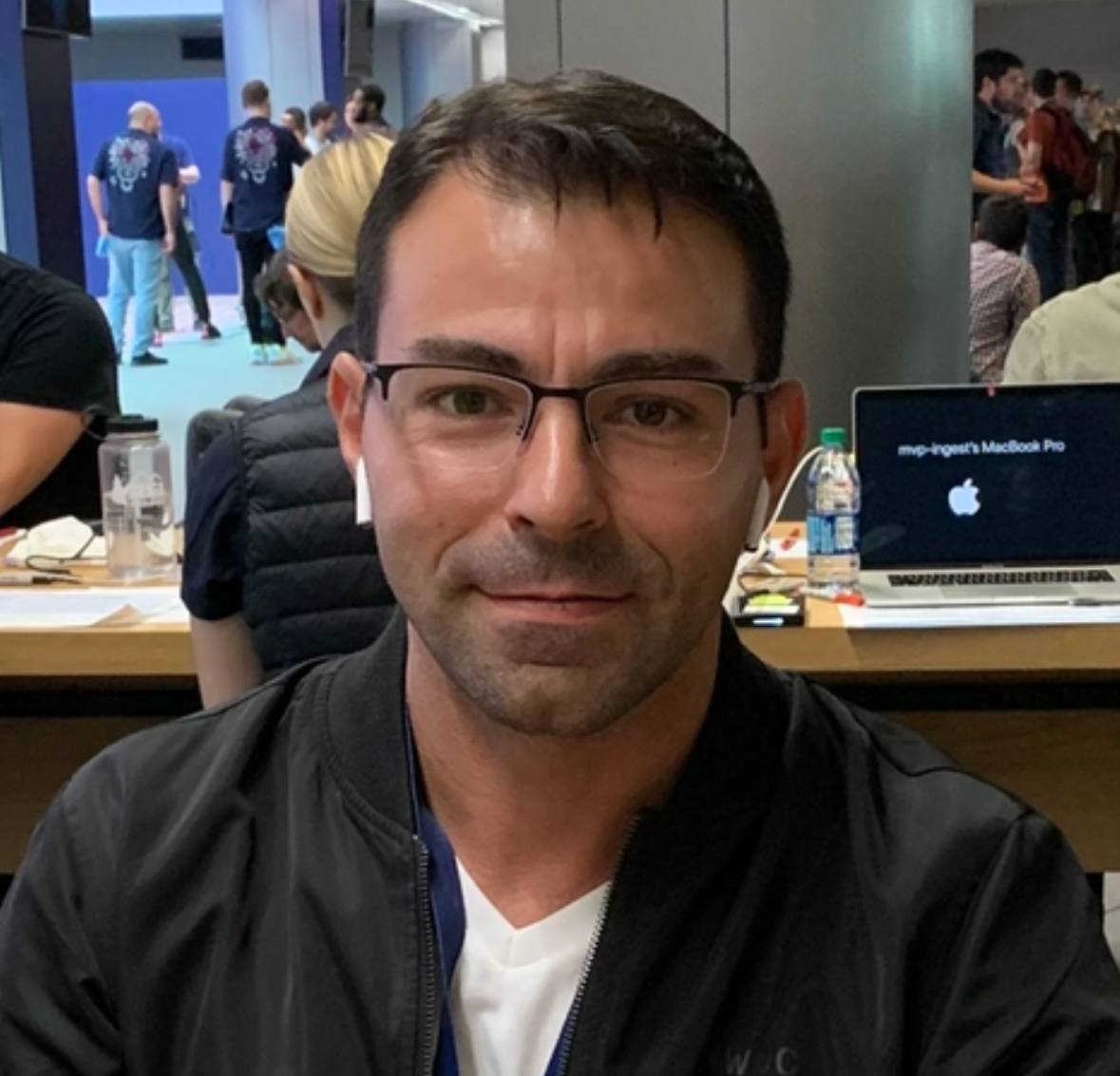
    Result: One selfie turned into a clean headshot photo used across the clinic site and professional profiles.

    Original selfie before polishingBefore
    Headshot photo tuned for professional profilesAfter

    See real screens from the app

    These are the same steps used to create each headshot photo.

    Headshot photo process

    From upload to final selection in one clear walkthrough.

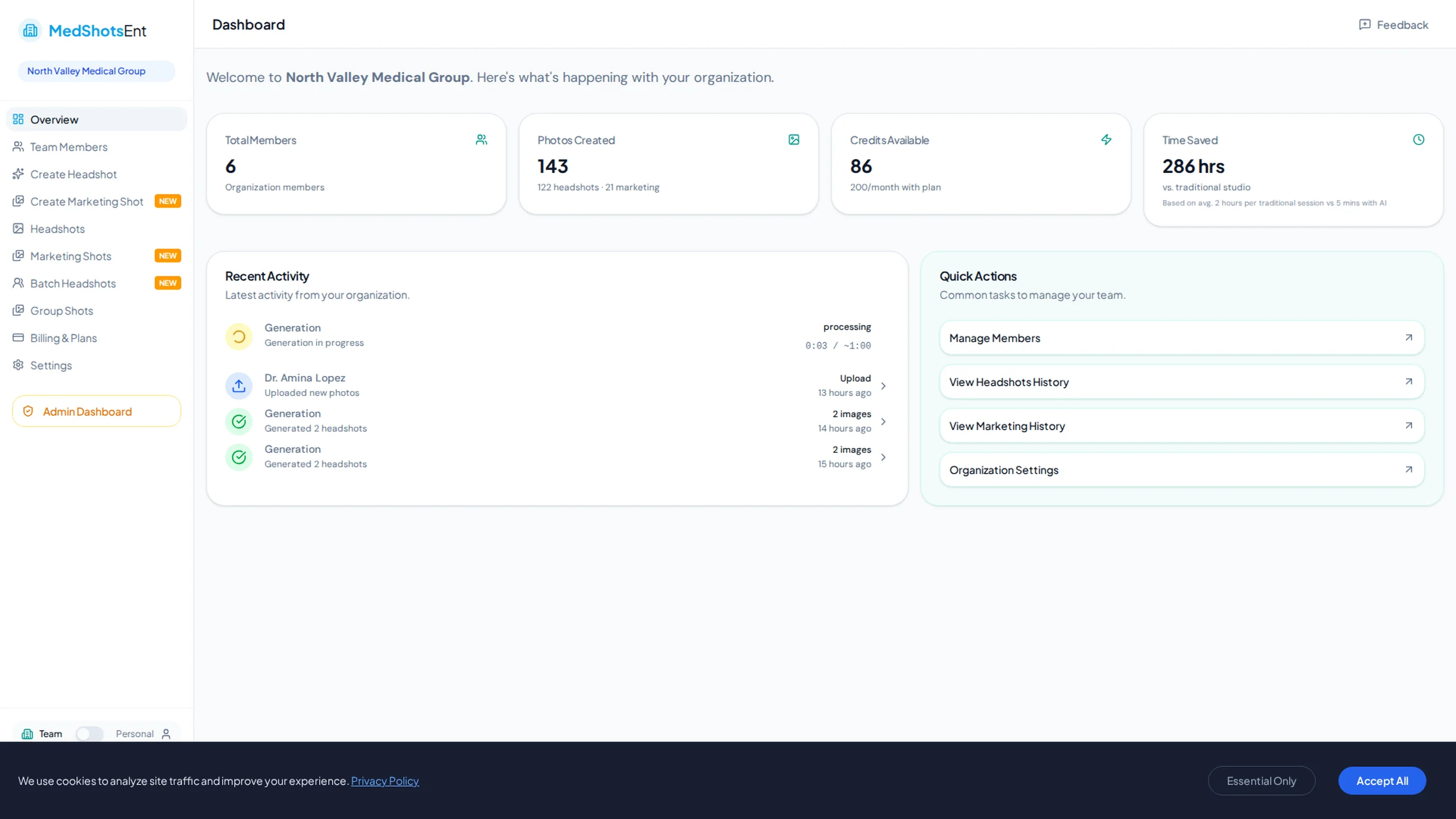
    Dashboard overview for headshot photo process
    Review uploads, credits, and status from one view.
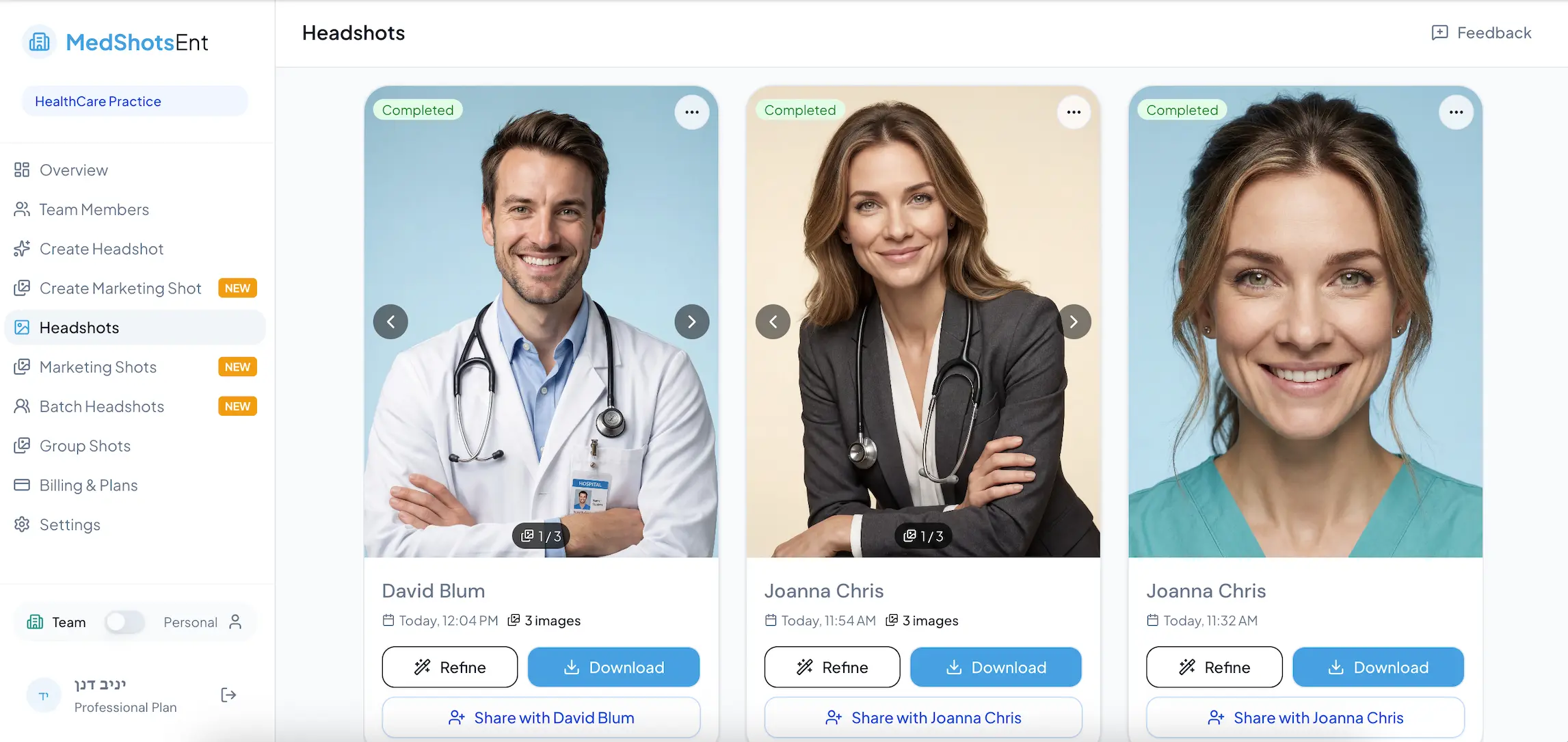
    Headshots screen in MedshotsAI dashboard
    Use the headshots screen to review and manage generated profile photos.
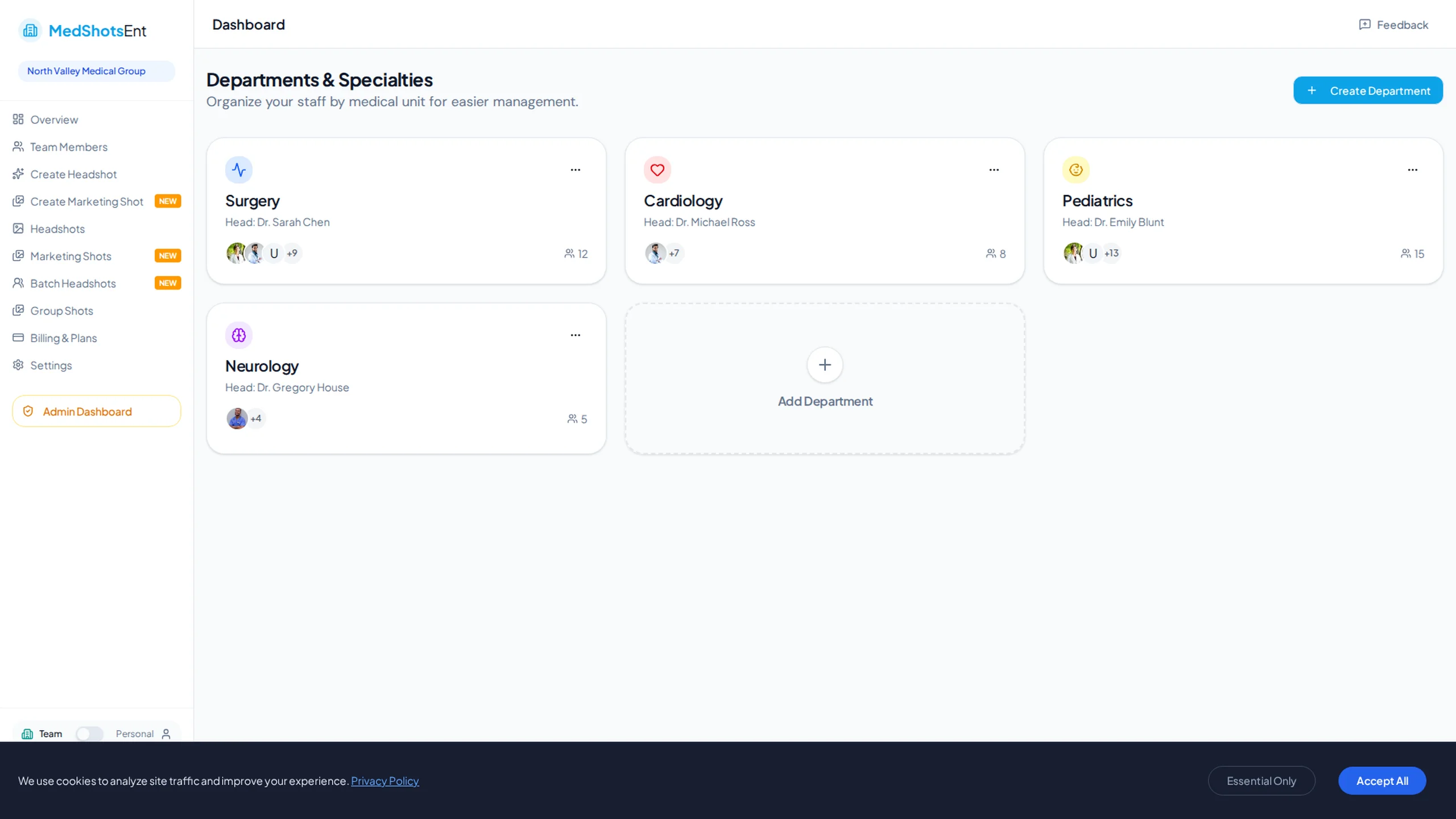
    Download-ready headshot photo gallery
    Approve the best photo and export in seconds.

    A strong headshot photo helps people trust you faster when they view your profile.

    That is especially important for doctors, nurses, and healthcare teams who appear on clinic websites and directories.

    Start with one selfie, pick your preferred look, and keep the same photo style across every profile.

    More Before/After Examples

    Real transformations for real professional use-cases.

    Hospital Bio Refresh

    Doctor profile update for hospital directory

    Headshot before AI updateBefore
    Polished headshot photo after AIAfter

    Result: The new headshot photo looked natural and consistent across provider listings.

    Healthcare Profile

    Nurse practitioner updating patient-facing pages

    Medical profile beforeBefore
    Medical profile headshot photoAfter

    Result: A single look was used on the clinic website, LinkedIn, and appointment profile.

    Why every profile needs a headshot photo

    People decide quickly based on the first photo they see.

    A current headshot photo keeps your profile clear and professional on healthcare and business platforms.

    • Clear face + natural lighting
    • Clothing that matches your role
    • Easy downloads for different profile sizes

    Simple process

    Create several options, pick your favorite, and publish it right away.

    Keep one primary photo and one backup so future updates are easy.

    Use the same look everywhere

    Use the same headshot photo on your website, LinkedIn, staff page, and outreach profiles.

    This keeps your profile style consistent and avoids mixed-quality photos online.

    • Create a few strong options
    • Pick one main image plus backups
    • Refresh whenever your profile needs an update

    Built for quick profile updates

    Most people searching this term need a usable photo now.

    This page keeps things simple with clear examples and direct next steps.

    Frequently Asked Questions

    Clear answers before you get started.

    Publish a Headshot Photo You Control

    Generate your professional headshot photo now and keep it consistent across every profile.

    We use cookies to analyze site traffic and improve your experience. Privacy Policy