LinkedIn Headshot Size: Exact Dimensions in Pixels (2026 Guide)
Short answer: upload a square photo that's at least 400×400 pixels to LinkedIn, and keep a high-resolution 3:4 master copy for everything else.
That's it. That's the secret. But since 'my photo looks blurry and I don't know why' is one of the most common headshot complaints on the internet, let's go one level deeper.
Below are the exact numbers for every place a professional headshot ends up — LinkedIn, your CV, hospital directories, residency applications, and that email signature you set up once in 2019.
One sharp master photo covers every platform
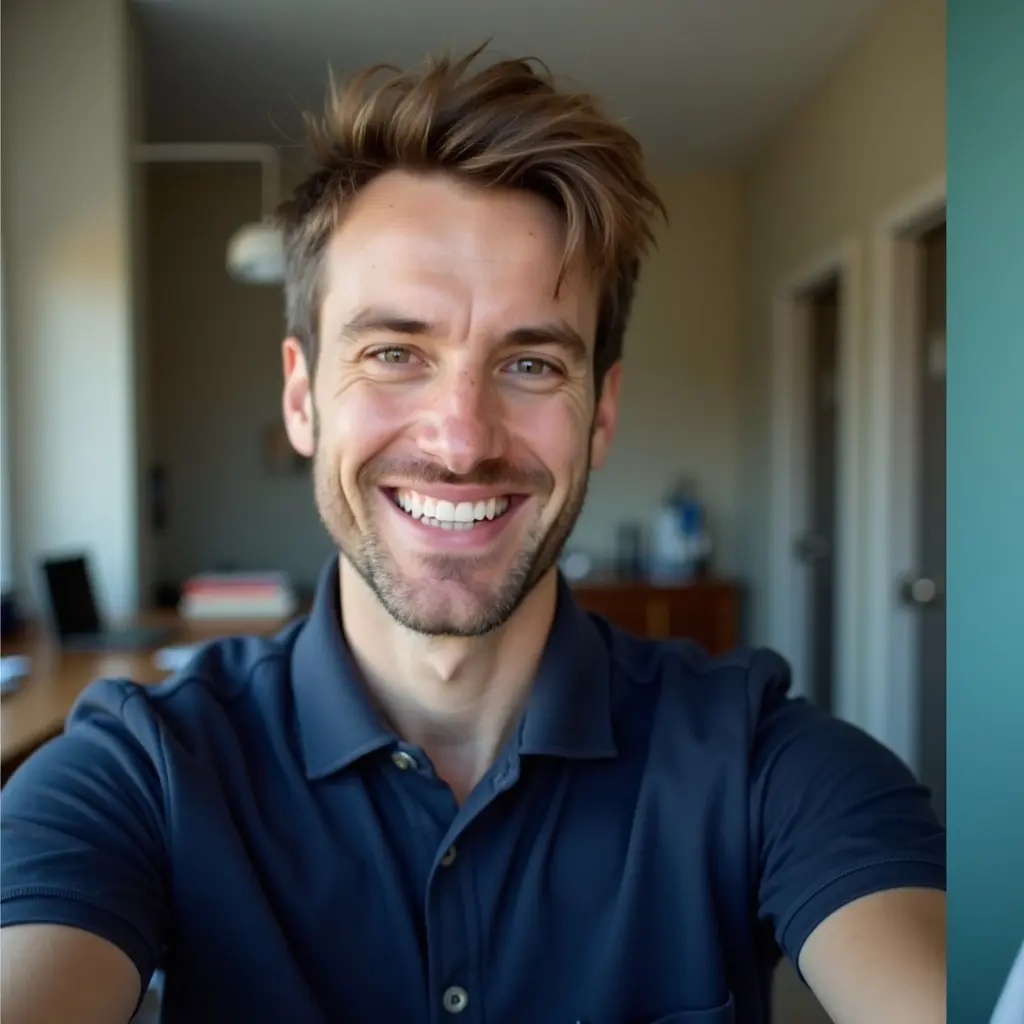
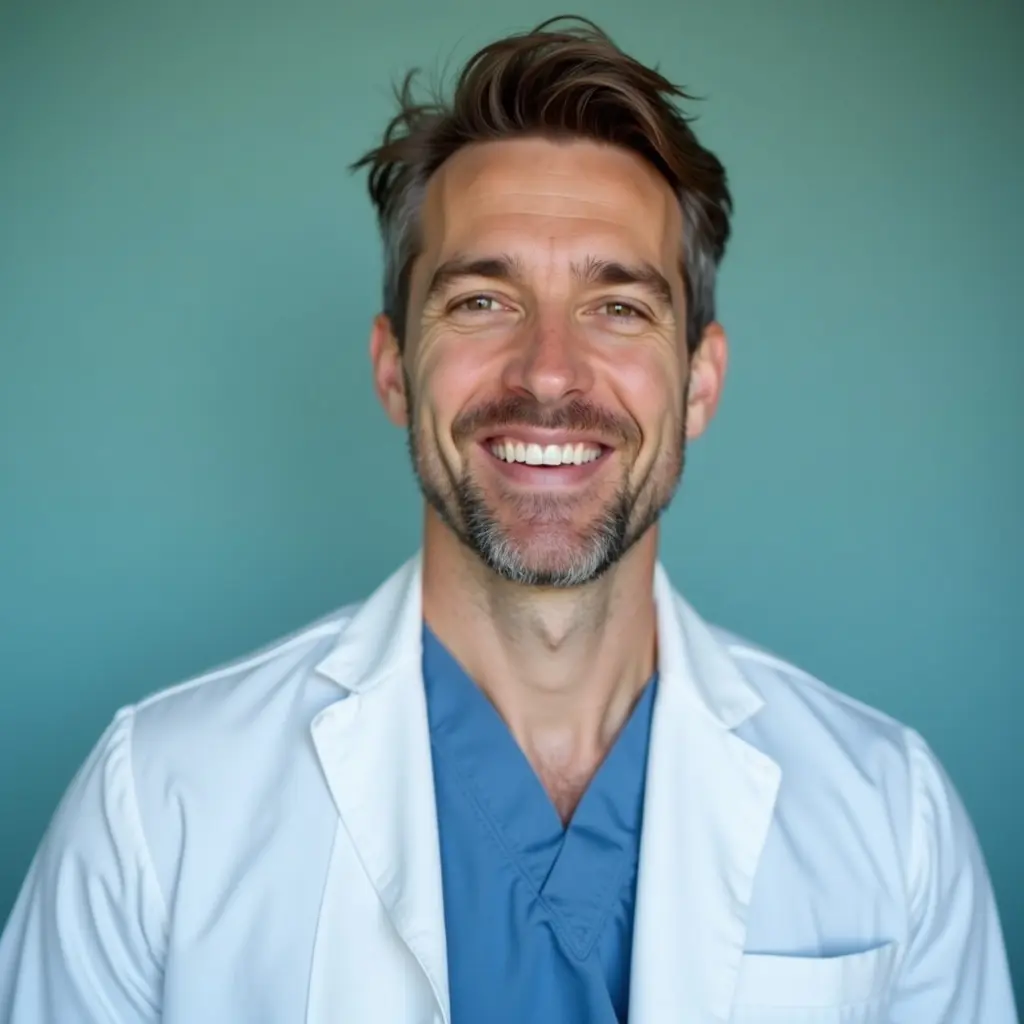
Dimensions matter, but they can't rescue a weak source photo. Start from one high-resolution professional headshot like this and every crop on this page — LinkedIn, CV, directory — comes out clean.
LinkedIn headshot dimensions (the exact numbers)
LinkedIn displays your profile photo as a circle, but it stores a square. Here's what matters:
- Minimum size: 400 × 400 pixels — below this, LinkedIn will still accept the photo, but it will look soft
- Recommended: 800 × 800 pixels or larger, so it stays sharp on retina screens
- Maximum file size: 8 MB (JPG or PNG both work fine)
- Shape: upload a square — LinkedIn crops it into a circle, so keep your face centered
- Your face should fill roughly 60% of the frame, with a little space above your head
Why your LinkedIn photo looks blurry
Nine times out of ten, it's one of these three things: the source file was tiny (a photo cropped out of a group shot, say), the photo was compressed by being sent through a messaging app, or you zoomed way in while cropping.
The fix is boring but reliable: start from the original, full-resolution file. If someone texted you the photo, ask for the original instead. WhatsApp and iMessage quietly squeeze the life out of images.
Headshot dimensions for everything else
The smart move is to keep one high-resolution 'master' headshot — 3:4 portrait orientation, at least 1200 × 1600 pixels — and crop copies from it as needed. Here's your cheat sheet:
- LinkedIn profile: 400 × 400 px minimum, square (800 × 800 recommended)
- CV or resume: about 300 × 400 px printed area — a 3:4 crop scales perfectly
- Hospital directory / practice website: varies by site, but a 3:4 or square crop at 800+ px wide covers virtually every CMS
- ERAS residency photo: commonly requested at 2.5 × 3.5 inches, passport-style — check the current ERAS guide before uploading
- Email signature: small — around 100 × 100 to 150 × 150 px — so start sharp or it becomes a smudge
- Zoom / Teams avatar: square, 512 × 512 px is plenty
Square vs 3:4 — which should you keep?
Both. Seriously. Save your master headshot as a 3:4 portrait (that's what photographers and hospital directories prefer), then make one square copy for LinkedIn, Zoom, and social profiles.
If cropping isn't your idea of a good evening, our free LinkedIn Photo Optimizer does the crop for you, and the Multi-Platform Resizer spits out every size at once.
One more thing: dimensions can't fix a weak photo
Perfect pixels won't rescue a dim bathroom selfie. If the underlying photo is the problem, you can generate a clean, professional headshot from one selfie with MedshotsAI — it comes out at 4K, which is more than enough pixels for every platform on this list at once.
Try the free generator first and see what your face looks like with actual lighting.
Frequently Asked Questions
Related Pages
Skip the cropping homework
Generate a 4K professional headshot from one selfie — it fits every platform on this page. Try it free first.