


MedshotsAI

    Headshot Photos for Secondaries

    Create a clean, professional photo for every secondary application.

    Quick Before/After

    Radiology Secondary

    Second-year applicant refining her headshot for radiology programs

    Result: A confident photo matched to the program tone and used on multiple application portals without reshoots.

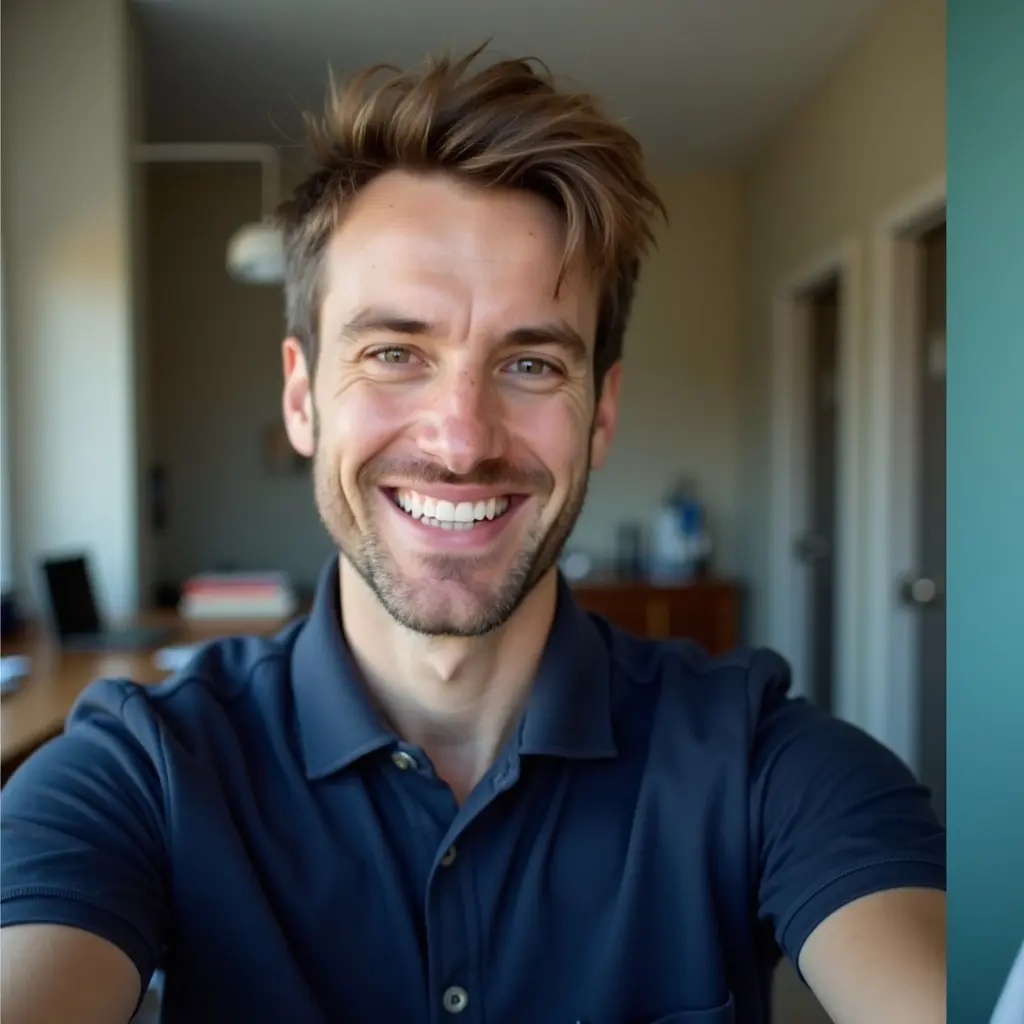
    Casual selfie before secondary customizationBefore
    Radiology-ready headshot crafted by MedshotsAIAfter

    See the process inside the app

    From upload to final photo selection for secondaries.

    Secondary headshot process

    A clear walkthrough of the steps applicants use most.

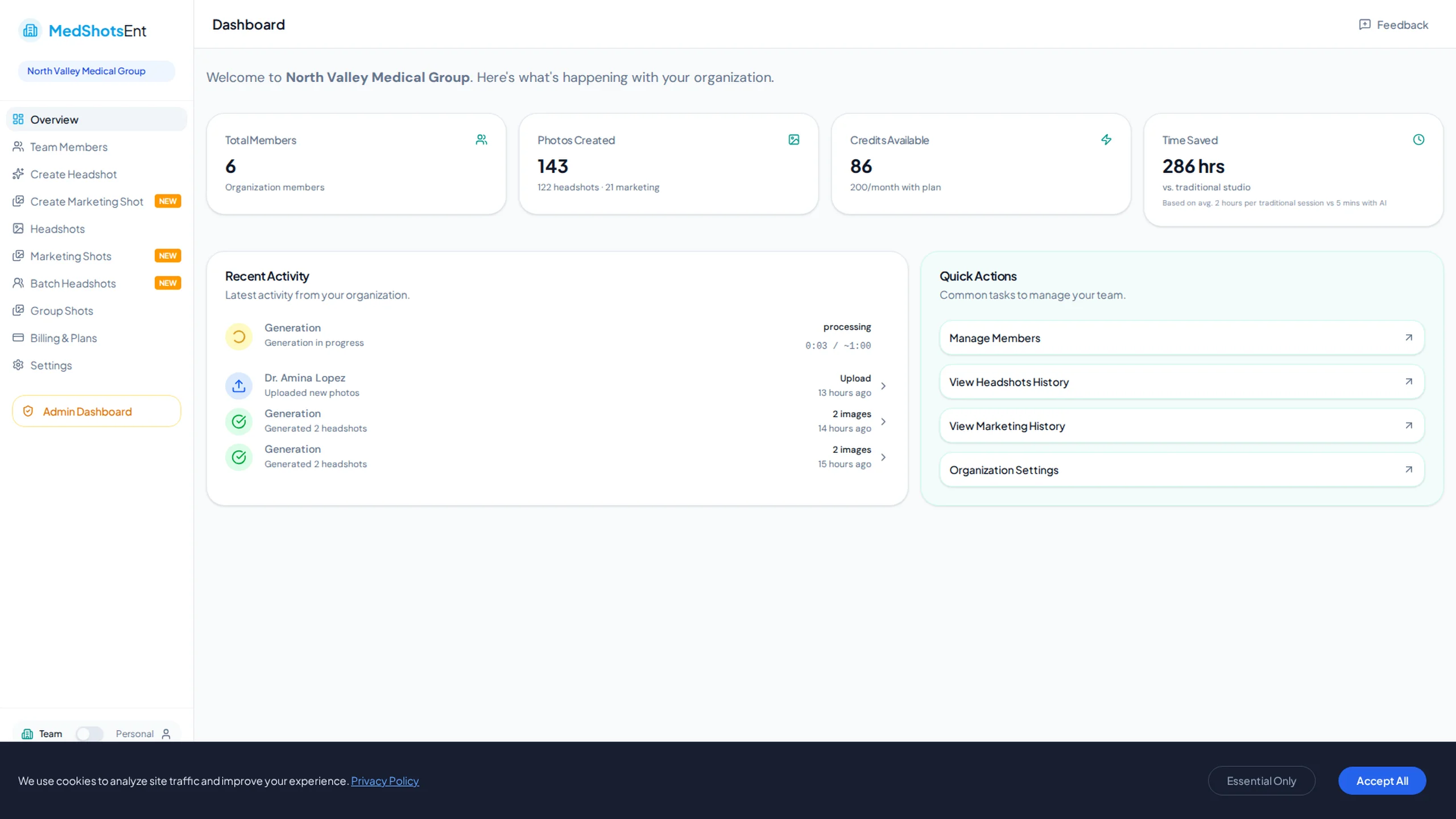
    Dashboard overview tuned for medical school secondaries
    Track credits and uploads in one place.
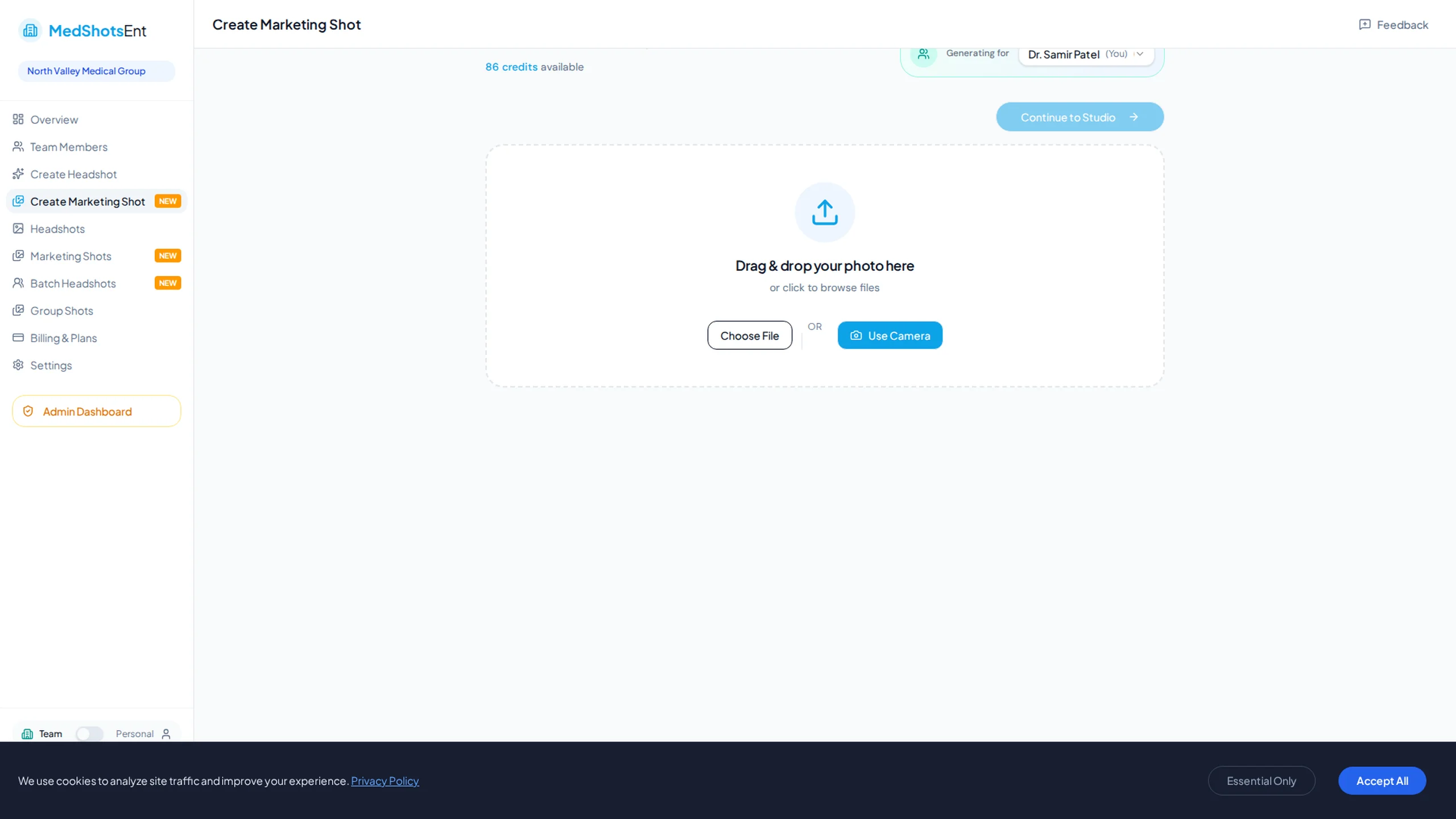
    Styling controls for secondary application headshots
    Adjust attire, lighting, and expression for each specialty.
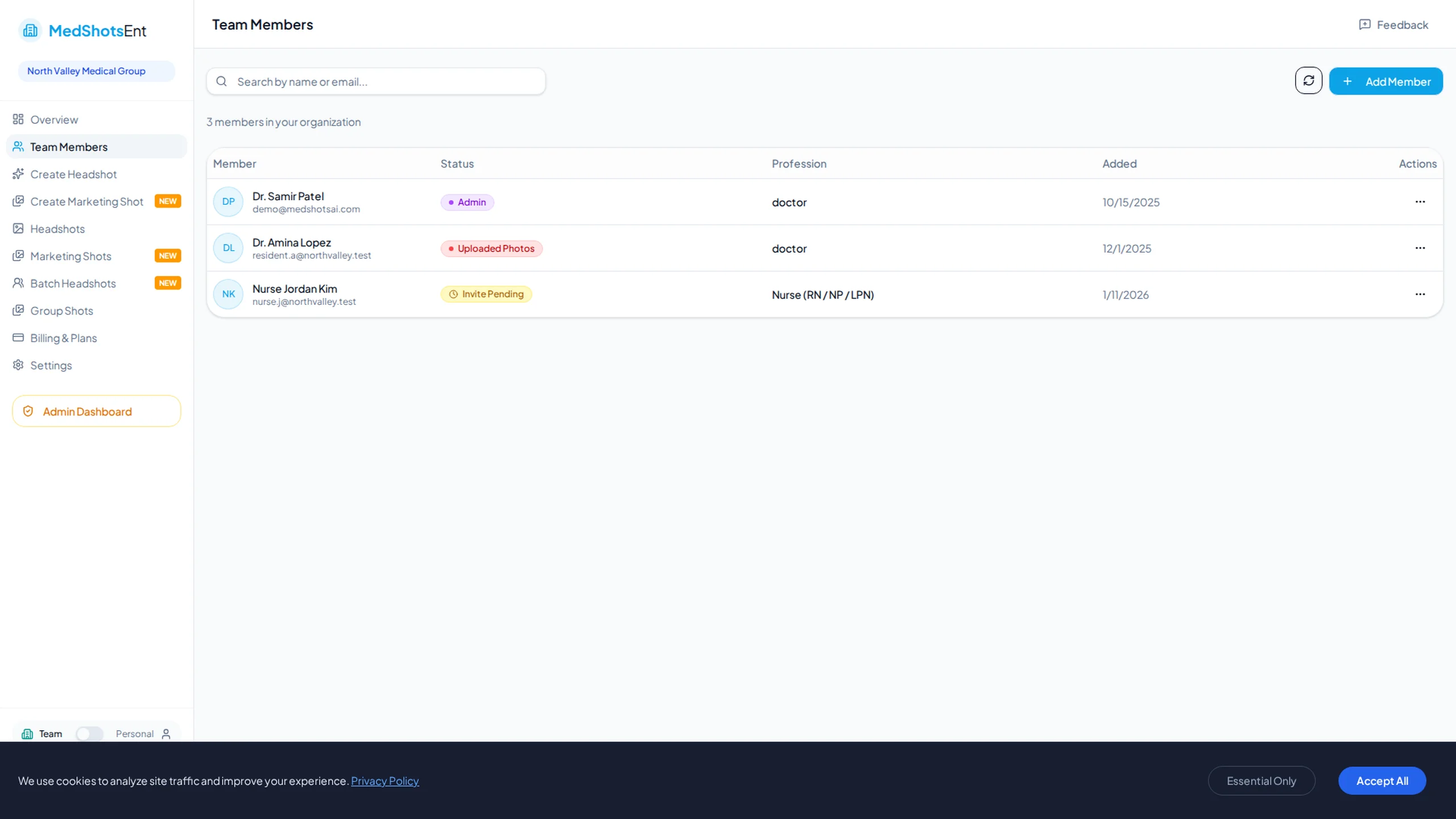
    Download and share secondary-ready headshots
    Pick the strongest photo, download in seconds, and reuse everywhere.

    A strong headshot photo helps your secondary application look complete and professional.

    Start with one selfie, choose the style you want, and download a photo you can use right away.

    Use the same look across secondaries and interview profiles so admissions teams see a consistent image.

    More Before/After Examples

    Real transformations for real professional use-cases.

    Surgery Secondary Set

    Applicant needing a formal photo for surgical programs

    Selfie before stylingBefore
    Surgical secondary headshot resultAfter

    Result: One upload produced several strong options that looked professional across applications.

    General Surgery Signature

    Match the polished tone expected by surgical coordinators

    Less polished portraitBefore
    Secondary-ready surgical portraitAfter

    Result: The same photo was reused across portals and interview invites for a consistent first impression.

    Why secondaries need a dedicated photo

    Admissions committees review many files. A clean photo helps your application look polished.

    A current headshot avoids distractions like poor lighting or old images.

    • Neutral background + natural expression
    • Professional look for medical programs
    • Easy download for multiple portals

    Choose a look that fits your programs

    Pick clothing and background that look professional for the specialties you are applying to.

    You can create multiple options from one selfie and choose the version that feels most natural.

    Use your strongest headshot everywhere

    After you choose your final photo, use it for secondaries, interview emails, and LinkedIn.

    Keeping one consistent image helps your profile look reliable across all channels.

    • Create a few solid options
    • Pick one primary photo and one backup
    • Refresh when you start a new cycle

    What applicants are looking for

    People searching 'headshot photo for secondaries' usually need a usable photo now.

    This page focuses on that need with direct examples and clear next steps.

    Frequently Asked Questions

    Clear answers before you get started.

    Give Your Secondary Packet a Polished Photo

    Generate a dependable headshot and use it across secondaries, interview invites, and profile updates.

    We use cookies to analyze site traffic and improve your experience. Privacy Policy