What to look for in a headshot app
You want fast output, realistic results, and image quality that works on both web and mobile.
The app should also make updates easy when your team grows.
Create and update your profile photo fast, with a look that fits your role and audience.
Used phone selfies to update provider directory photos
Result: Final photos looked polished and consistent across all team profile pages.
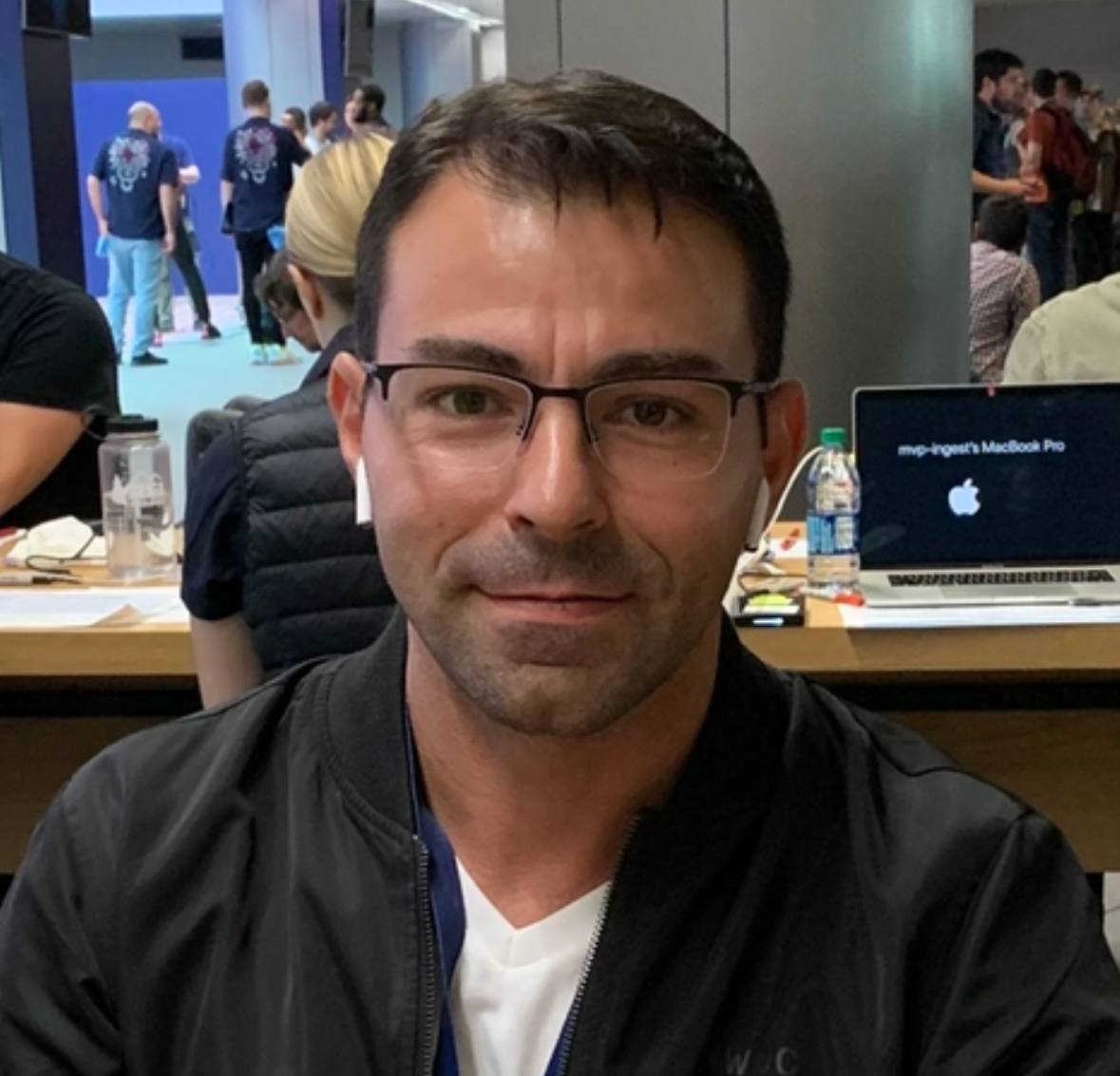 Before
 After
AfterA good headshot app should be simple: upload photos, review options, pick your final image.
For healthcare teams, this helps standardize profile photos without scheduling a full photo day.
You can keep one photo for LinkedIn and one for your website if needed.
Real transformations for real professional use-cases.
Needed a better photo for speaking events
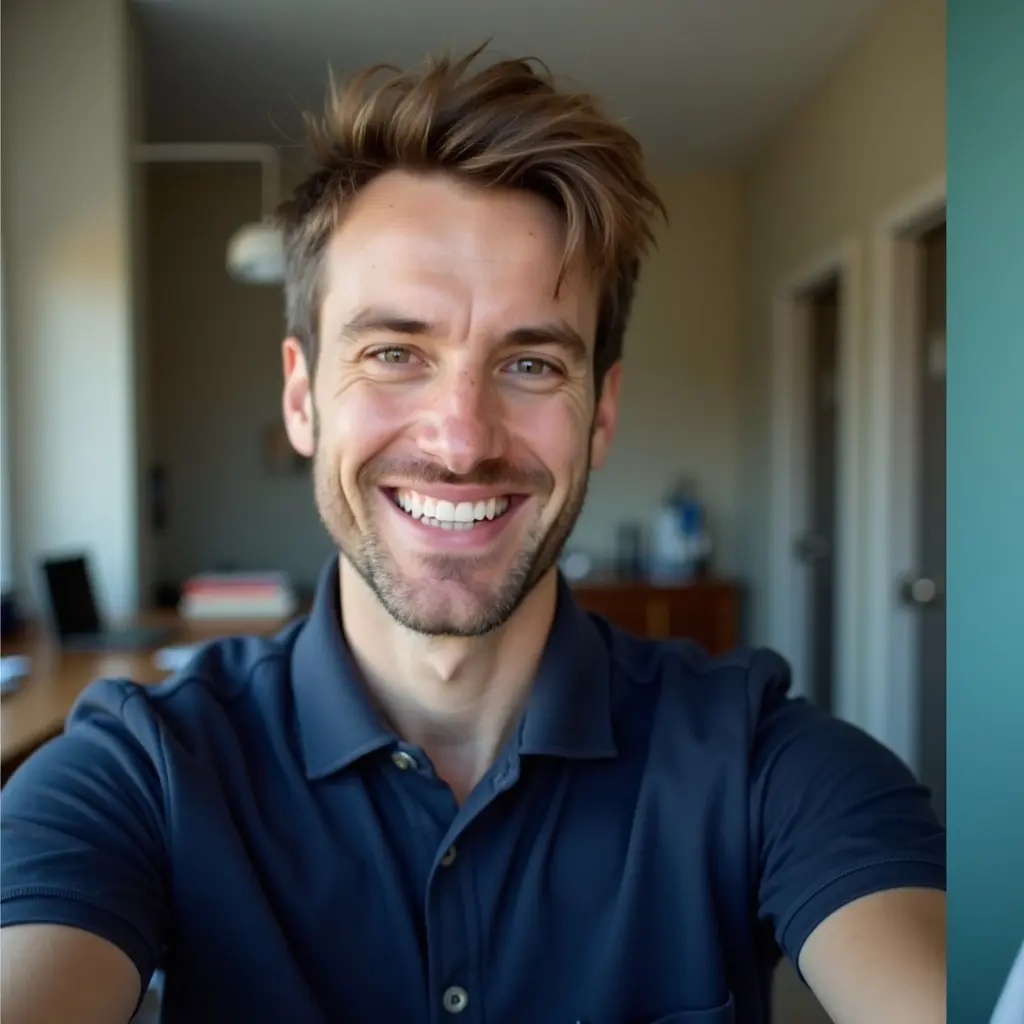 Before
 After
AfterResult: One clean headshot now used across event pages and social channels.
Wanted a less casual profile photo
 BeforeAfter
Result: Final image looked professional while still feeling natural.
You want fast output, realistic results, and image quality that works on both web and mobile.
The app should also make updates easy when your team grows.
It helps teams move faster when they need new photos for hiring or website updates.
It is also easier to keep a consistent style across providers.
Pick one primary image and publish it everywhere first.
Then keep one backup image ready for future use.
Clear answers before you get started.