





MedshotsAI

    Medical Practice Headshots That Stay Consistent

    Keep provider photos consistent across your website, directories, and patient communications.

    Quick Before/After

    Group Practice Refresh

    Clinic with several doctors updating website and directory photos

    Result: A unified headshot set replaced mixed-quality photos across patient-facing pages.

    Older provider profile imageBefore
    Polished medical practice headshotAfter

    Real process used by practice teams

    Screens from the app showing setup, selection, and final results.

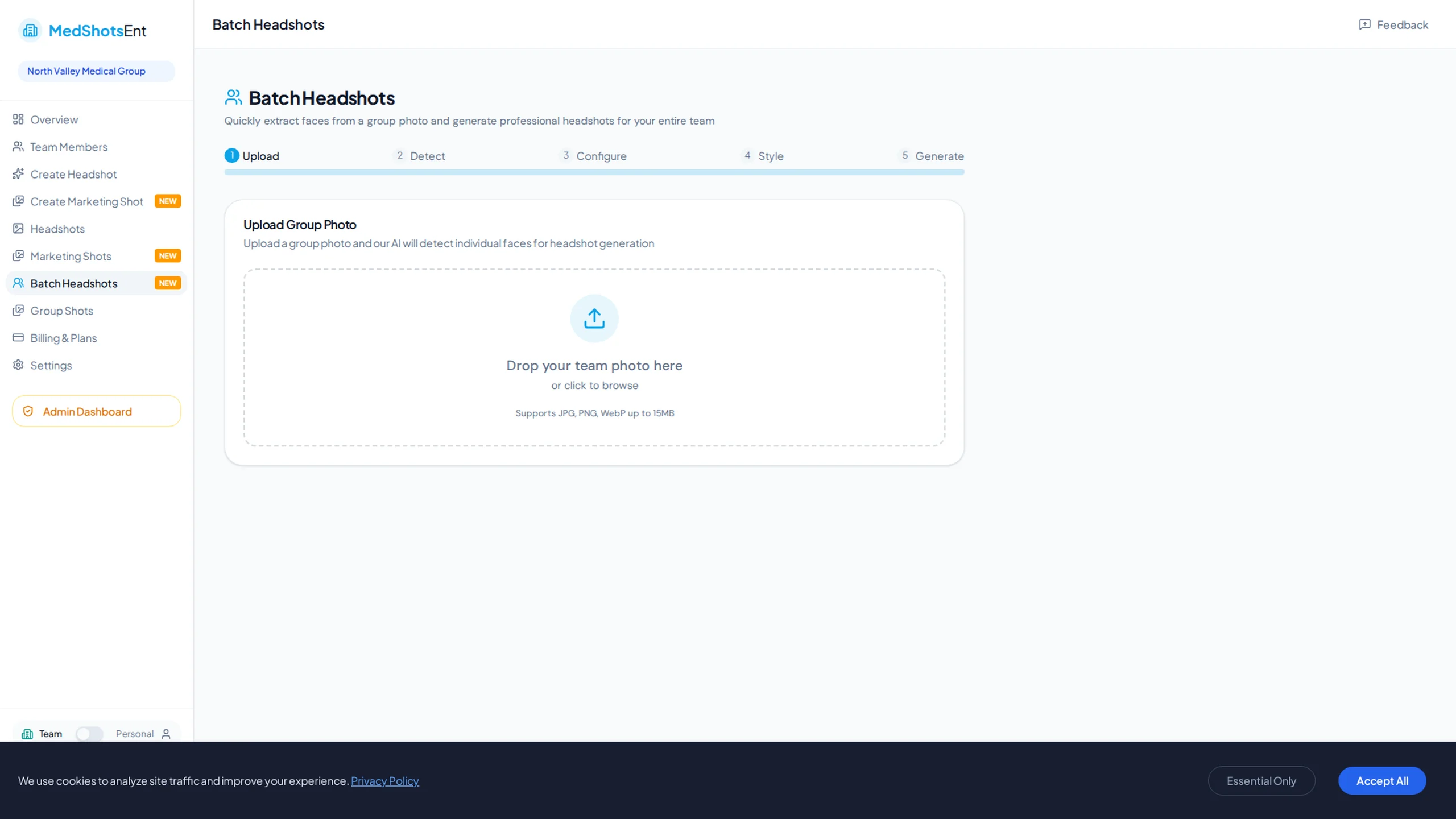
    Medical practice headshot process

    The same steps teams use to update provider photos.

    Medical practice setup controls
    Choose photo style before updating the full team.
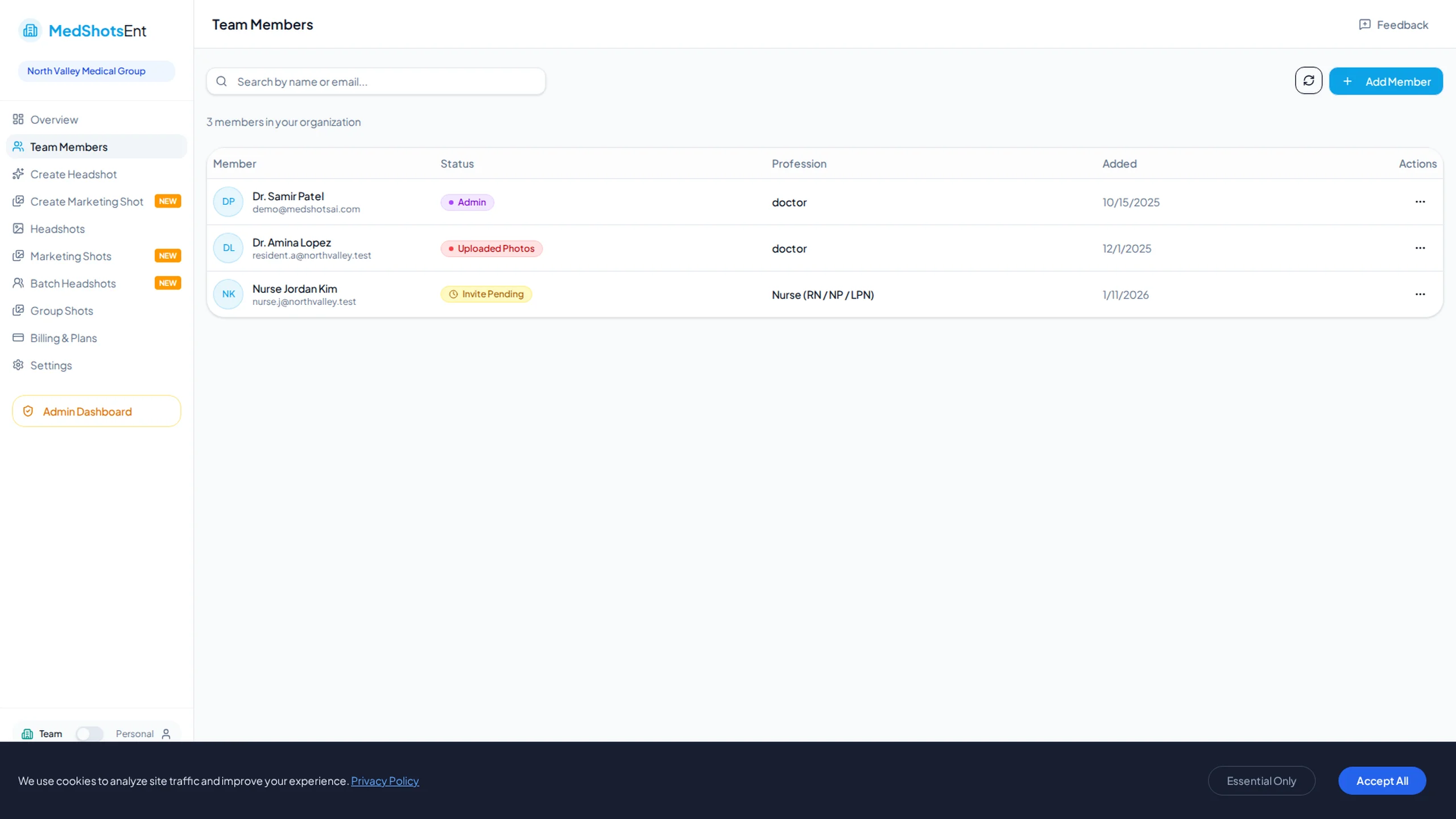
    Team member management
    Manage provider profiles and approvals from one place.
    Practice photo management
    Track outputs and keep quality consistent across teams.

    Most practices have mixed photos across provider pages. That makes the website look inconsistent.

    Consistent medical practice headshots make profiles easier to trust on websites and directories.

    Use one simple process to create and publish a unified set for your full team.

    More Before/After Examples

    Real transformations for real professional use-cases.

    Provider Directory Cleanup

    Practice with mixed provider image quality

    Provider image before refreshBefore
    Provider image after refreshAfter

    Result: Updated images created a consistent look across each provider card.

    Care Team Update

    Adding nurses and advanced practice providers to public profile pages

    Inconsistent team photoBefore
    Consistent team headshot styleAfter

    Result: The entire care team now uses one photo style.

    Why practices prioritize headshot consistency

    Your photos show up everywhere: provider cards, booking pages, directories, and LinkedIn.

    When each image follows one style, the practice looks organized and professional.

    • Consistent framing and expression
    • Role-appropriate visual tone
    • One standard for doctors, nurses, and support staff

    Simple way to update all staff photos

    Start with a few doctors or nurses and pick the version your team likes most.

    Then use that same look for everyone so all profile photos feel consistent.

    • Test with 5-10 team members first
    • Choose one approved style
    • Update all provider pages at the same time

    Why this matters for patients

    Patients compare providers quickly. Clean, current photos make that decision easier.

    The same consistent visuals also help referral and recruiting pages.

    Frequently Asked Questions

    Clear answers before you get started.

    Standardize Your Medical Practice Headshots

    Create one consistent photo system for every provider and publish it across all patient-facing channels.

    We use cookies to analyze site traffic and improve your experience. Privacy Policy