


MedshotsAI

    Dental Practice Headshots That Look Cohesive

    Keep doctor and team photos consistent across your site, listings, and patient communications.

    Quick Before/After

    Multi-Location Dental Group

    Three offices aligning doctor profile pages

    Result: A single visual standard replaced mixed legacy photos across every location page.

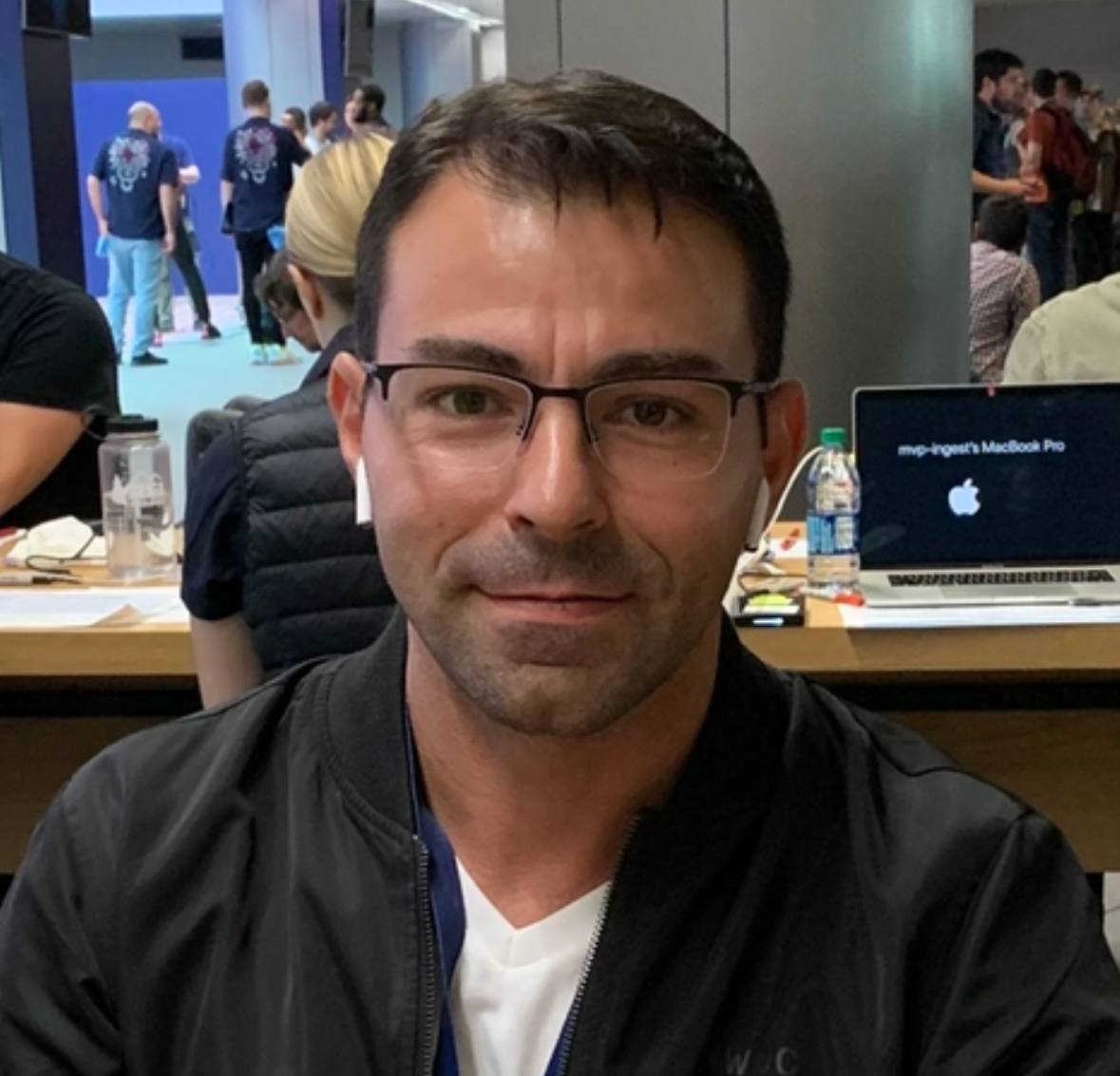
    Legacy dentist profile photoBefore
    Updated dentist headshotAfter

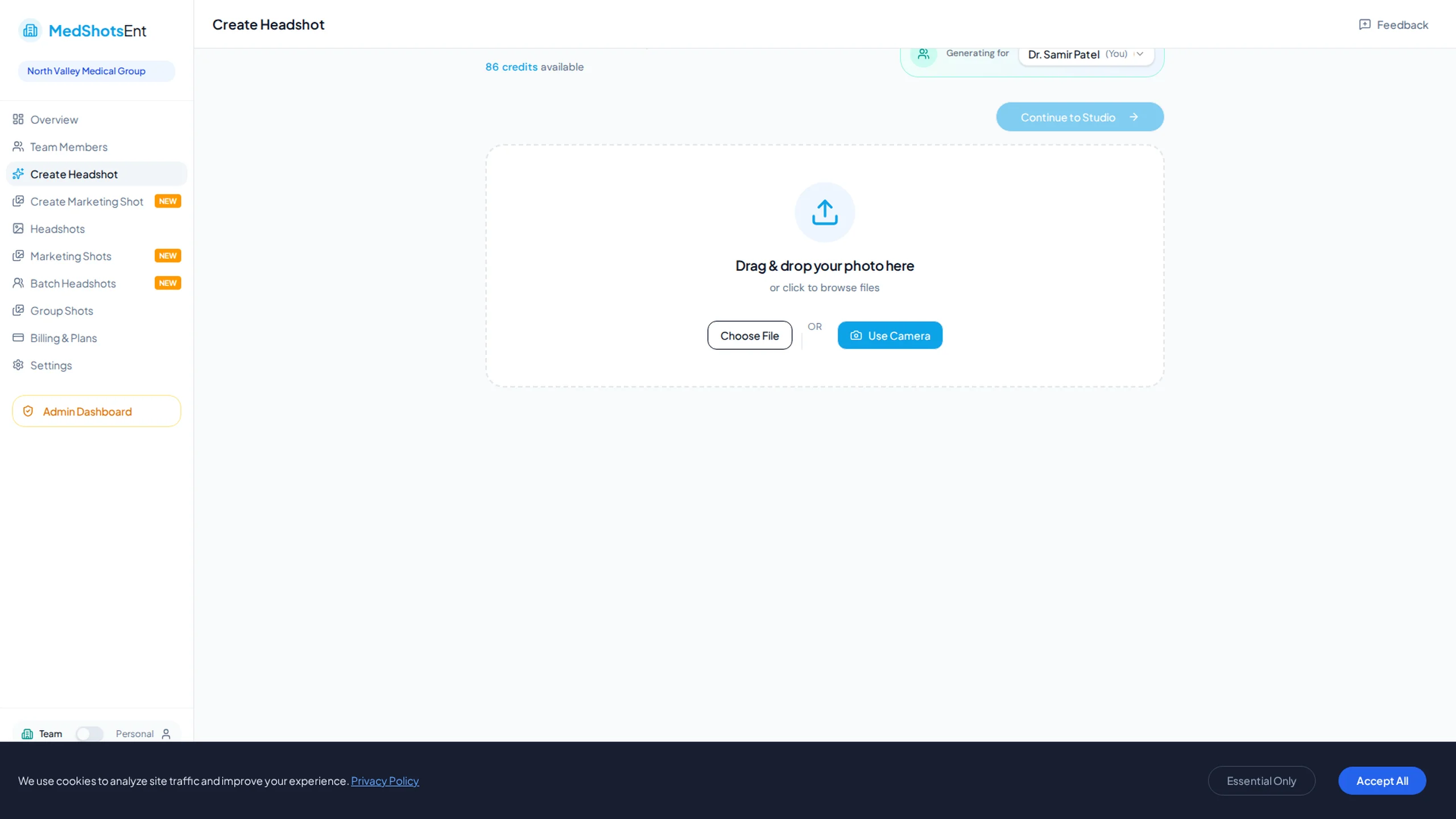
    Dental team process in the app

    Real screens showing setup, generation, and final selection.

    Dental practice headshot process

    The same steps dental teams use to update profile photos.

    Team creation process
    Set one consistent look for every office.
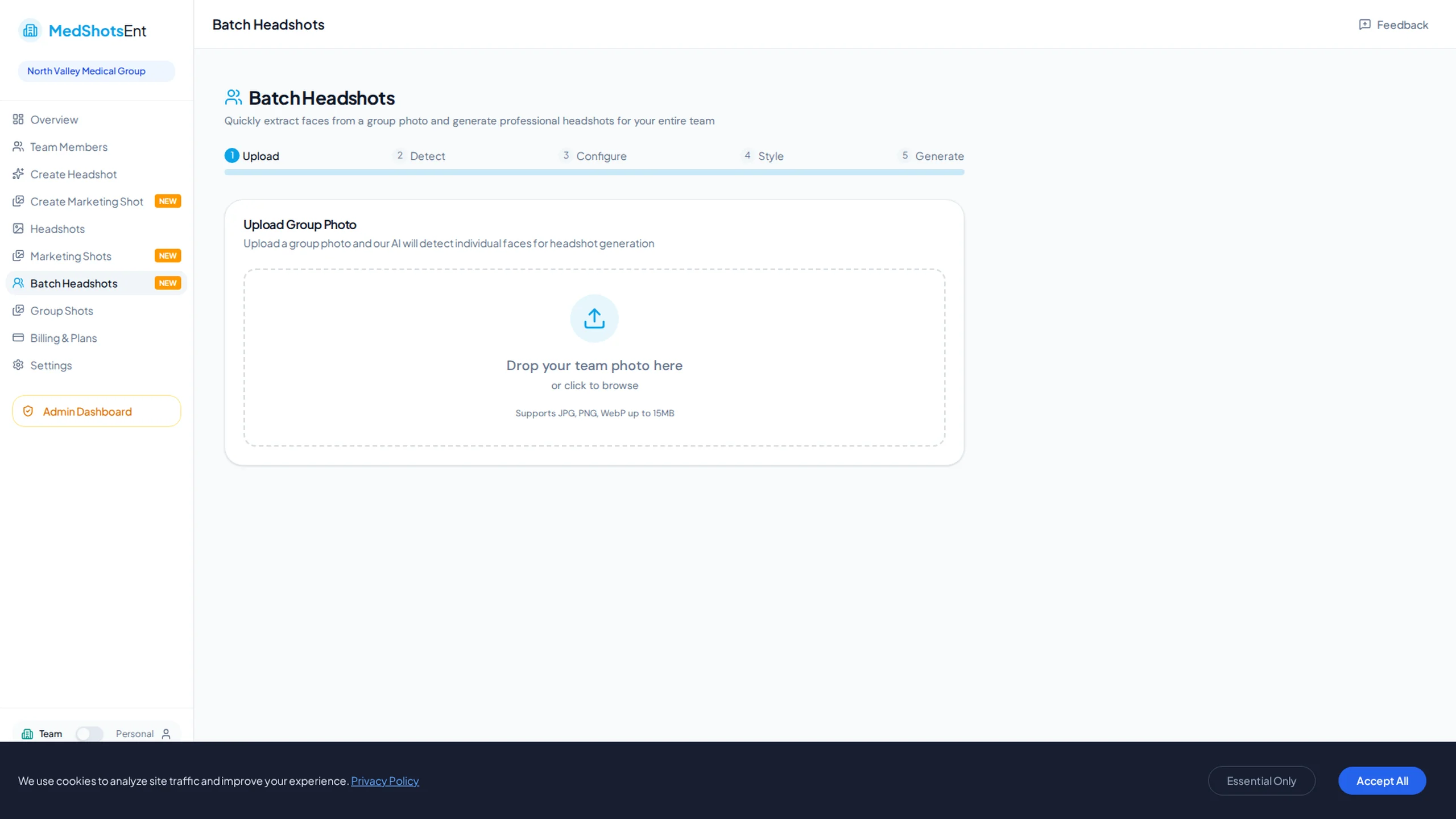
    Batch team headshot generation
    Generate team photos in batches with consistent quality.
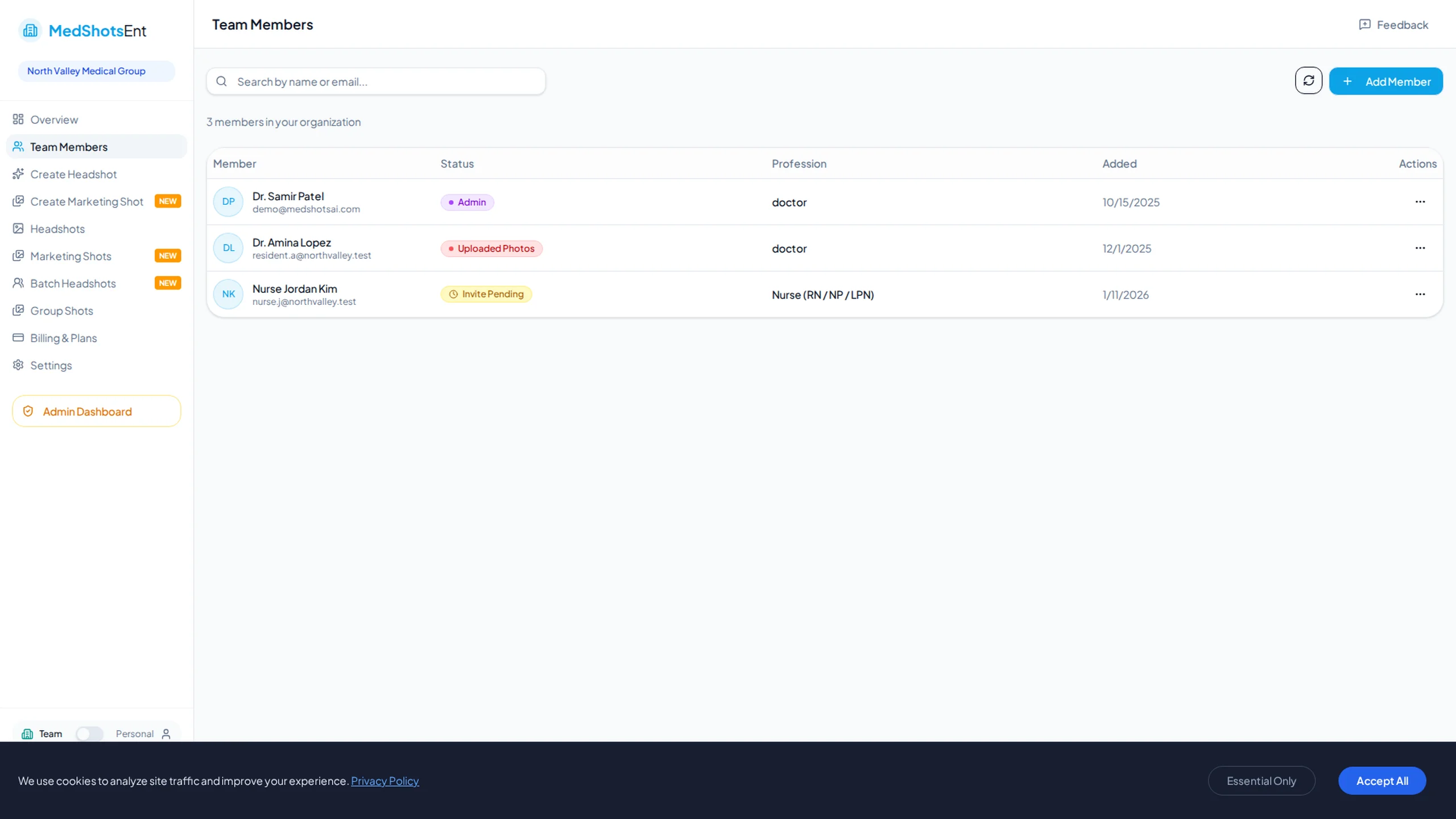
    Member management view
    Track member status and approvals in one place.

    Many dental offices have mixed profile photos from different years and sources.

    Consistent dental practice headshots improve first impressions on provider pages and listings.

    Create one aligned photo set for dentists and staff, then publish it everywhere.

    More Before/After Examples

    Real transformations for real professional use-cases.

    Provider Bio Refresh

    General dentist and hygienist page update

    Older staff photoBefore
    Updated dental provider photoAfter

    Result: Profile cards now share one clean style and no longer look mismatched.

    New Office Launch

    Opening page with net-new team photos

    Style reference photoBefore
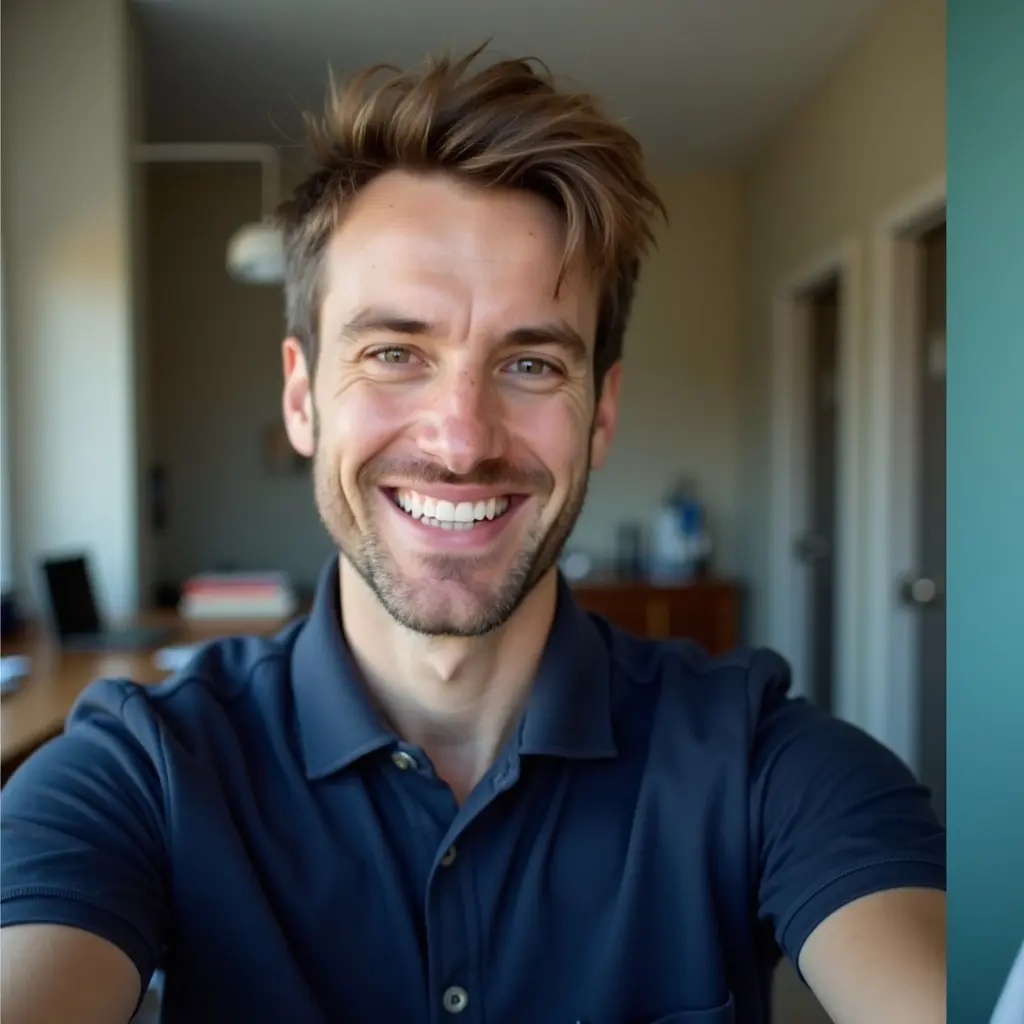
    Final dental profile headshotAfter

    Result: The launch page shipped with consistent, trustworthy team visuals from day one.

    Why dental practices prioritize photo consistency

    Patients decide quickly based on what they see before they call.

    Clean, consistent headshots increase trust on dentist bios and treatment pages.

    • Clear, patient-friendly expression
    • Consistent framing across all providers
    • One style for doctors, hygienists, and office managers

    Simple way to update all offices

    Choose one style first, then review results in short approval rounds.

    Publish in one batch so all locations update together.

    • Start with one office first
    • Approve one style first
    • Update all locations in one batch

    Better reuse across channels

    The same dental headshot set works on your website, directories, ads, and recruiting pages.

    That reduces repeated photo requests and keeps team pages consistent.

    Frequently Asked Questions

    Clear answers before you get started.

    Unify Your Dental Practice Headshots

    Create consistent dentist and team photos that improve trust on every patient-facing page.

    We use cookies to analyze site traffic and improve your experience. Privacy Policy