Physician Headshot Examples: What Actually Works
Most physician profiles look weaker than they should because the photo is old, low quality, or inconsistent across channels.
You do not need a complicated setup. You need one clear, current image that works everywhere patients and partners find you.
These examples show what actually works in practice.
Physician Profile Before/After
Use this as a quick visual benchmark for physician pages: clear face detail, clean framing, natural expression, and a background that does not distract.
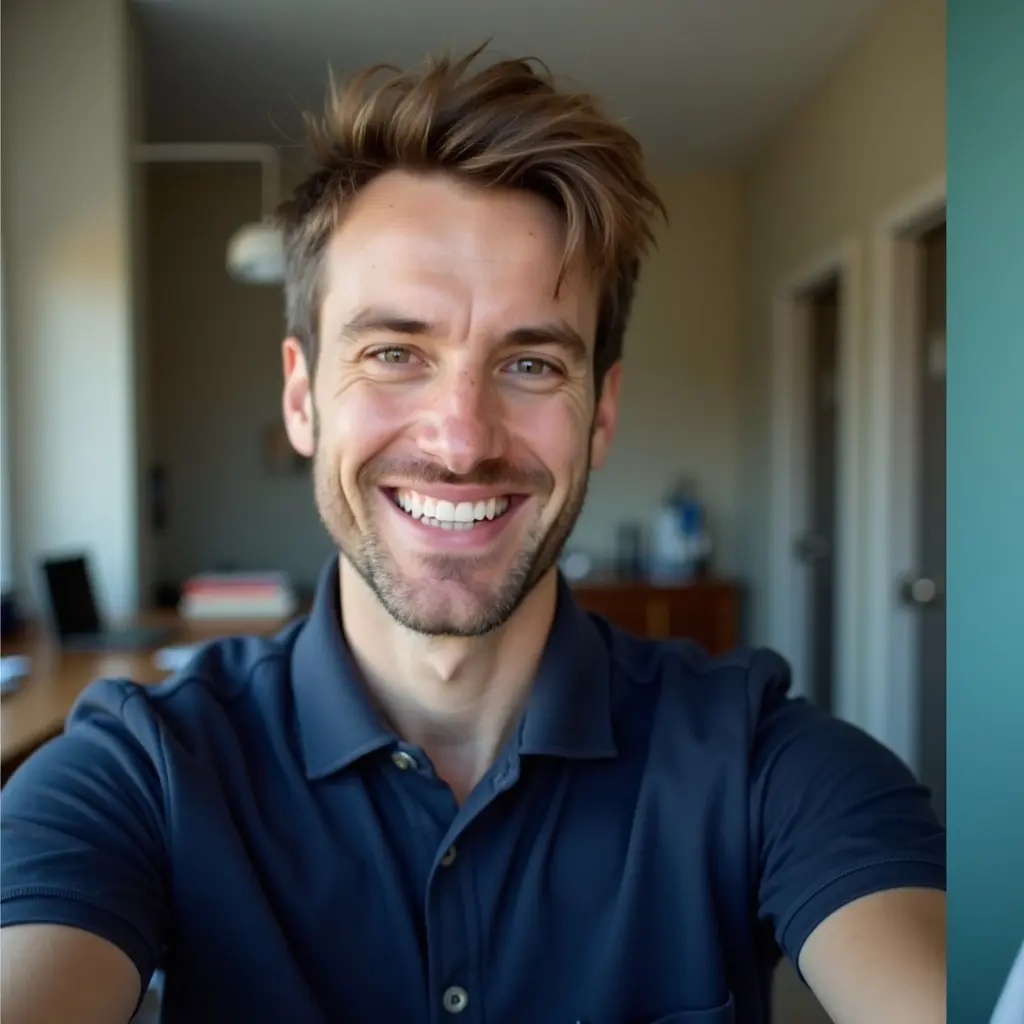

Additional Doctor Example (Same Before, New After)
Here is a second physician-style output using the same source image approach. It shows how one input can still produce a different polished profile result.


Example 1: LinkedIn physician profile
Keep LinkedIn photos simple: neutral background, clean crop, natural expression.
Avoid heavy effects. Realistic photos perform better for trust and professional credibility.
Example 2: Hospital directory profile
Directory pages should feel consistent more than creative.
When physician photos match in framing and tone, the entire page looks more reliable.
Example 3: Speaker and conference bio
Event pages are often image-heavy and compressed. Use a crop where your face stays readable.
- Face centered
- Eyes clearly visible
- No distracting background
Frequently Asked Questions
Related Pages
Need a Better Physician Headshot?
Create one trusted physician photo and use it across hospital pages, LinkedIn, and speaking bios.